A Better Angle
Suptek articulating mounts bring screens forward and change their viewing direction. Model specific tilt and swivel adjustments help align a display with a desk or seating area.
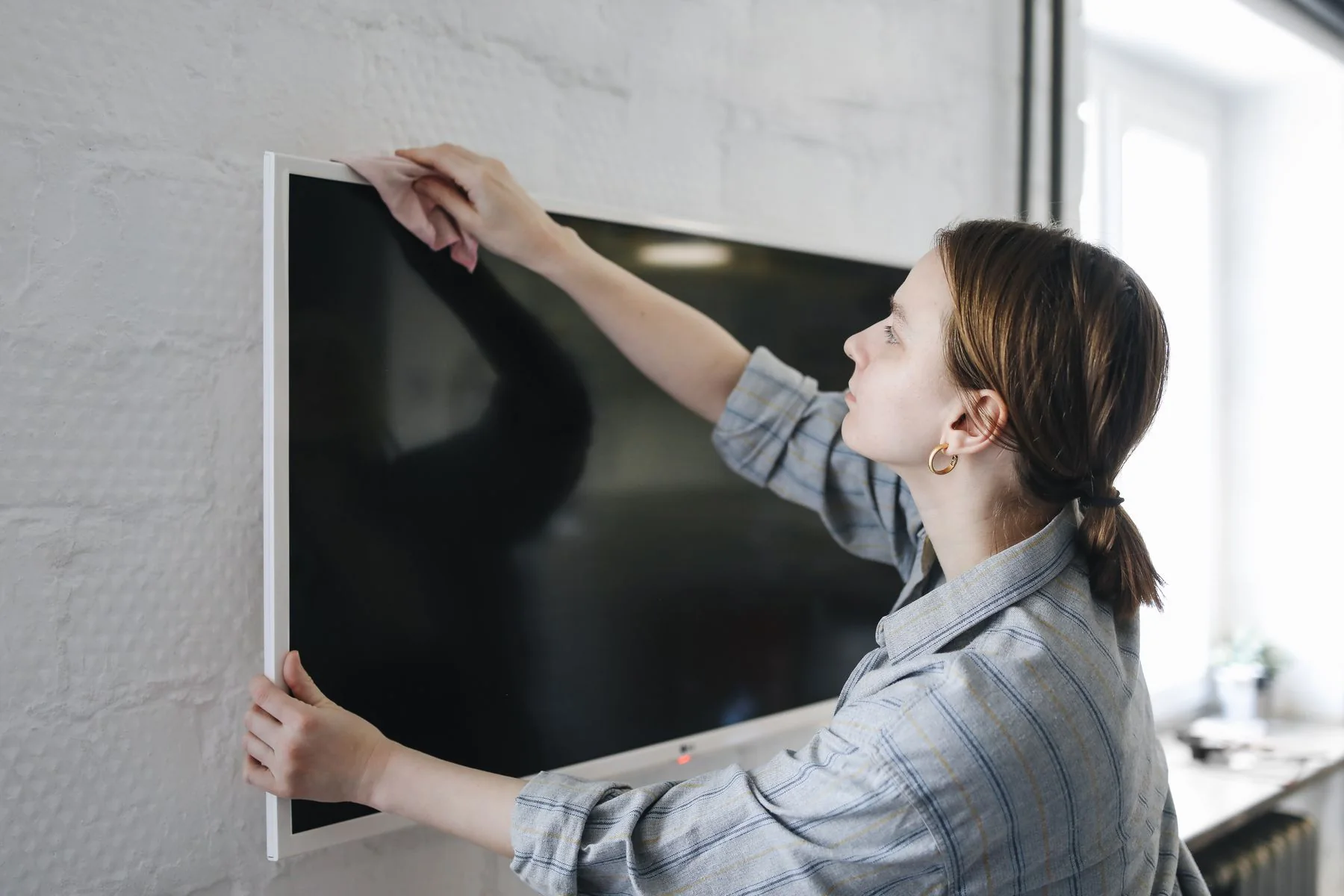
Better screen positioning brings everyday spaces into focus. From a Suptek universal TV stand to articulated wall brackets and adjustable monitor arms, the brand offers ways to arrange displays around work, entertainment and the room itself. Different mounting styles support considered setups, with compatibility matched to each screen and installation.
Suptek articulating mounts bring screens forward and change their viewing direction. Model specific tilt and swivel adjustments help align a display with a desk or seating area.
Desk arms raise compatible monitors above the working surface. Single and multi screen arrangements create space below for a keyboard, notebooks and everyday essentials.
The range includes wall brackets, tall poles and gas spring arms. Choosing the right mounting style starts with the display weight, VESA pattern and available attachment surface.
For rooms considering a Suptek universal TV stand, wall mounting offers another way to position the screen and free the cabinet below. This collection brings together compact brackets, long extension arms and large screen options. Screen weight, VESA pattern and wall construction determine the right fit.
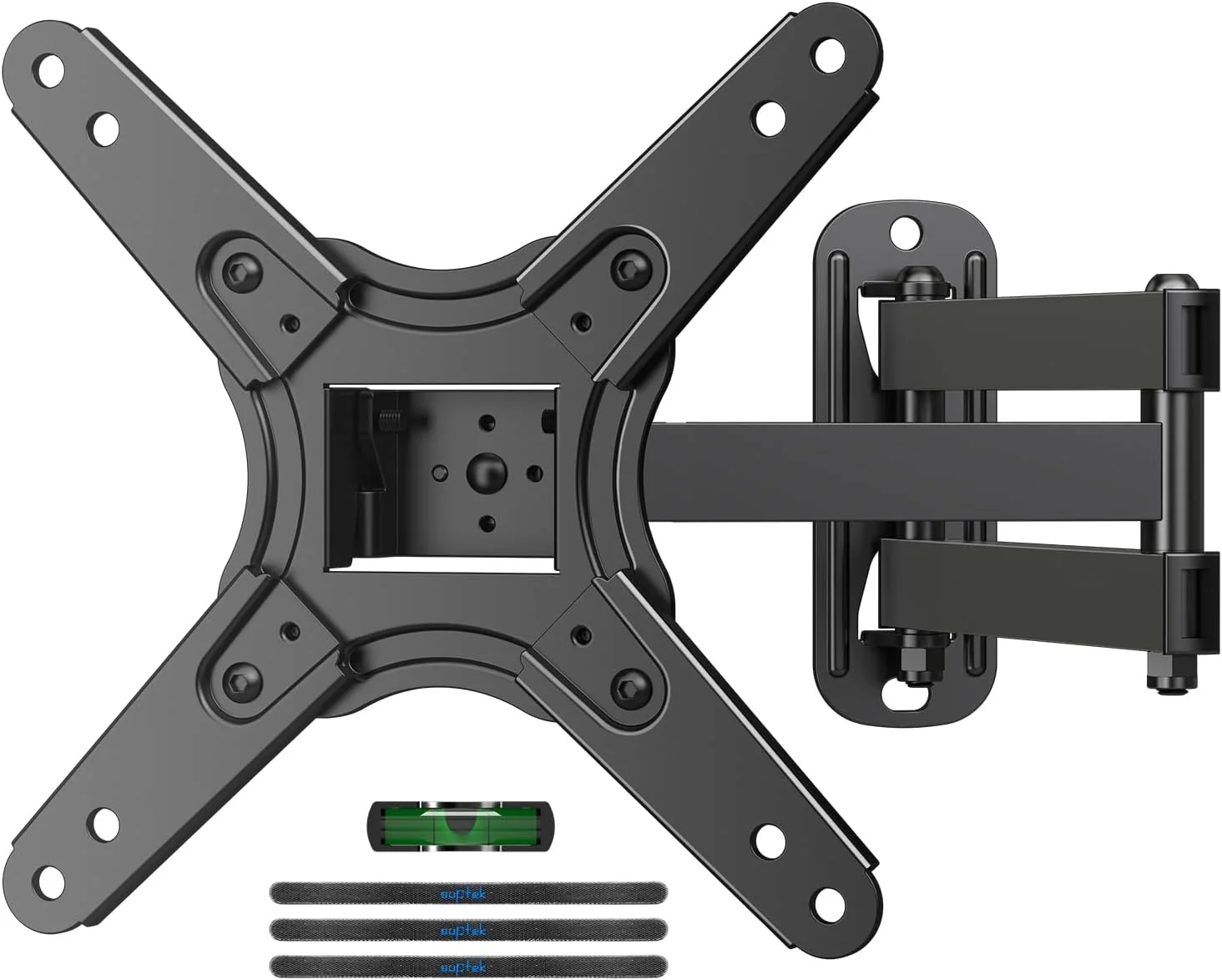
Bring a smaller screen closer to the right viewing angle with an articulating wall bracket. Swivel, tilt and rotation offer flexible positioning, while the compact mounting plate suits compatible televisions and monitors.
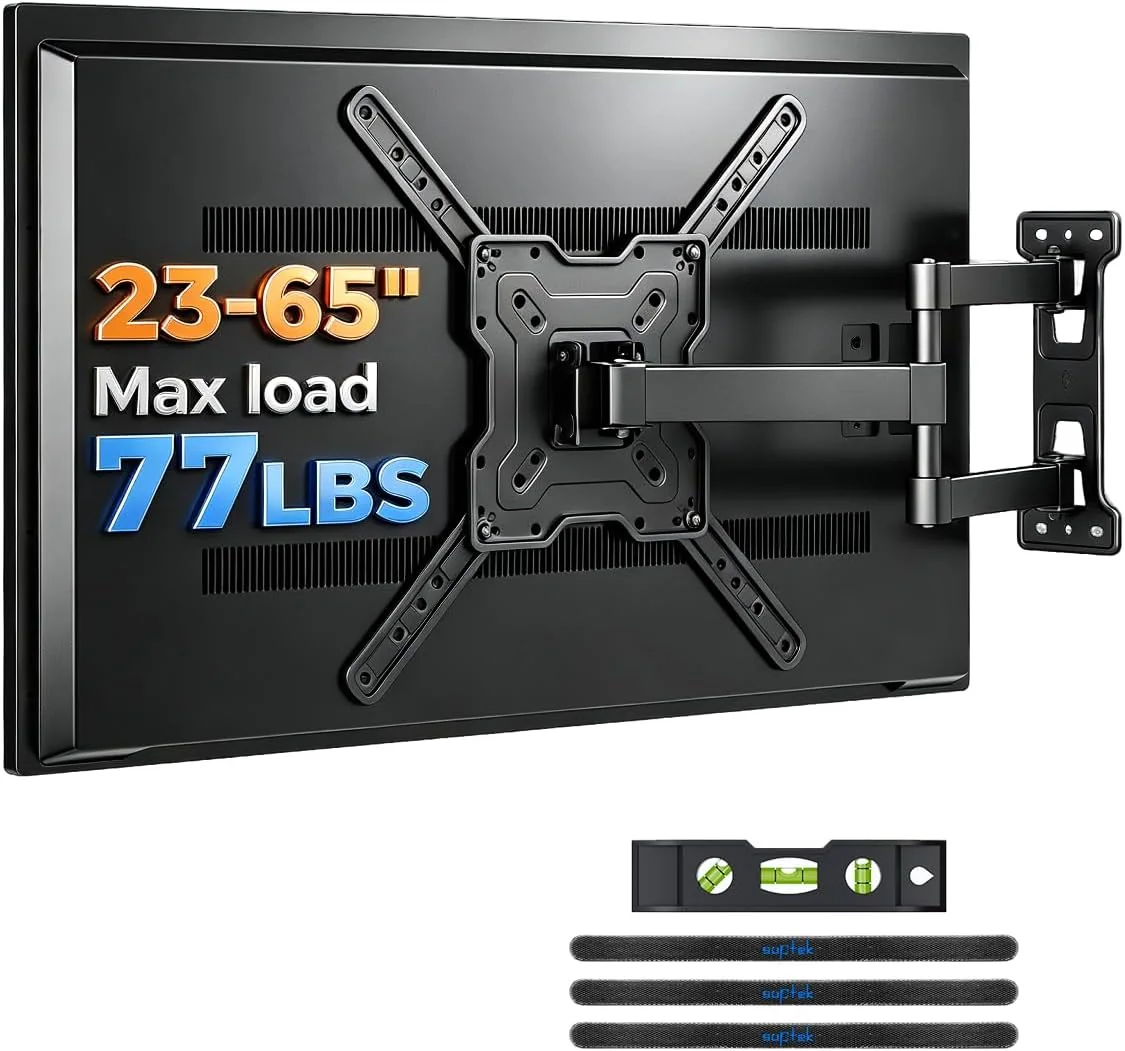
Give everyday television viewing more flexibility with a wall bracket that extends, swivels and tilts. Its articulated design changes the screen angle while keeping the television off a cabinet or media unit.
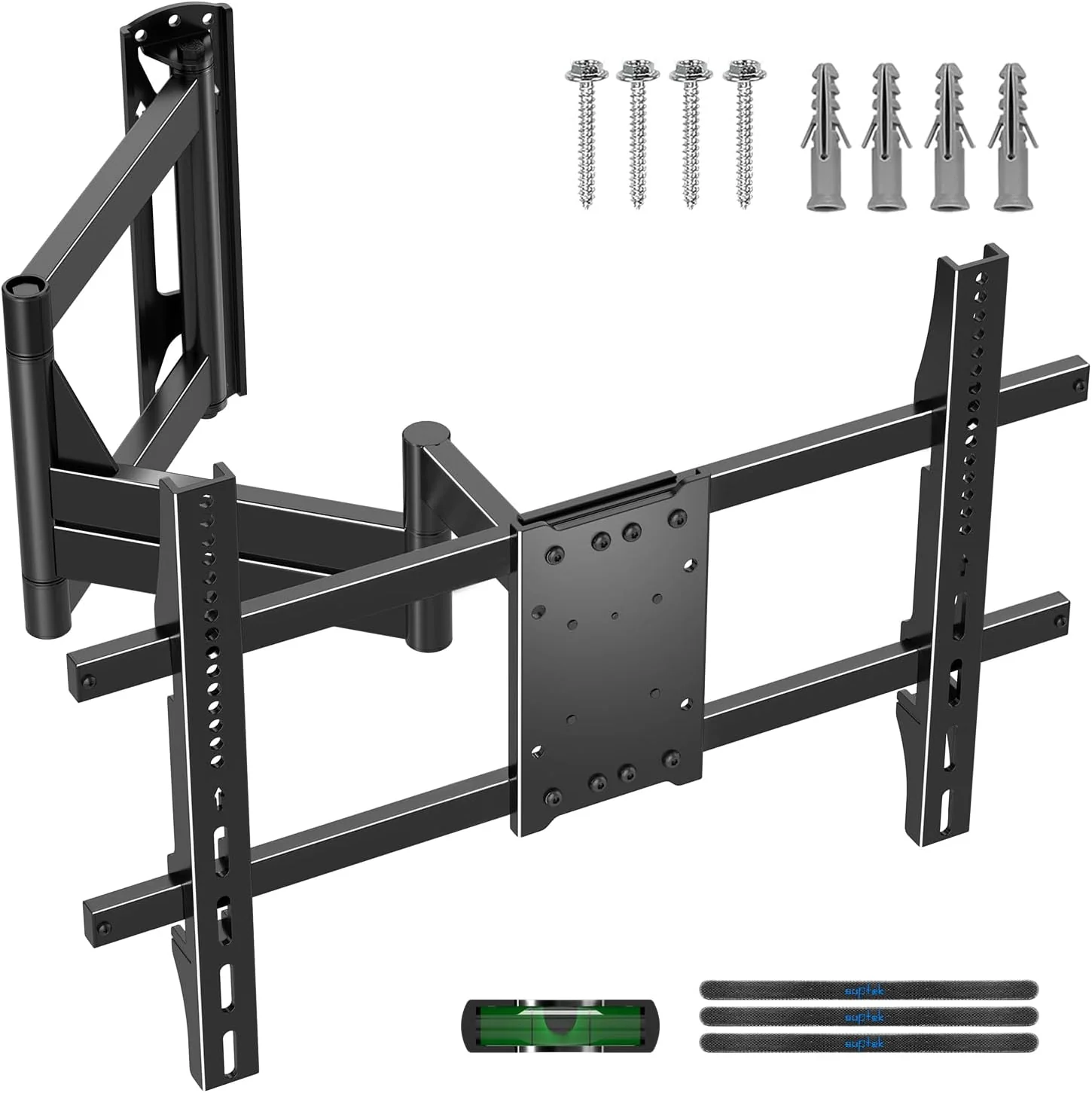
Reach around a corner or bring the television forward with a long extension arm. Swivel and tilt adjustments help align the screen with different seats, making awkward room layouts easier to accommodate.
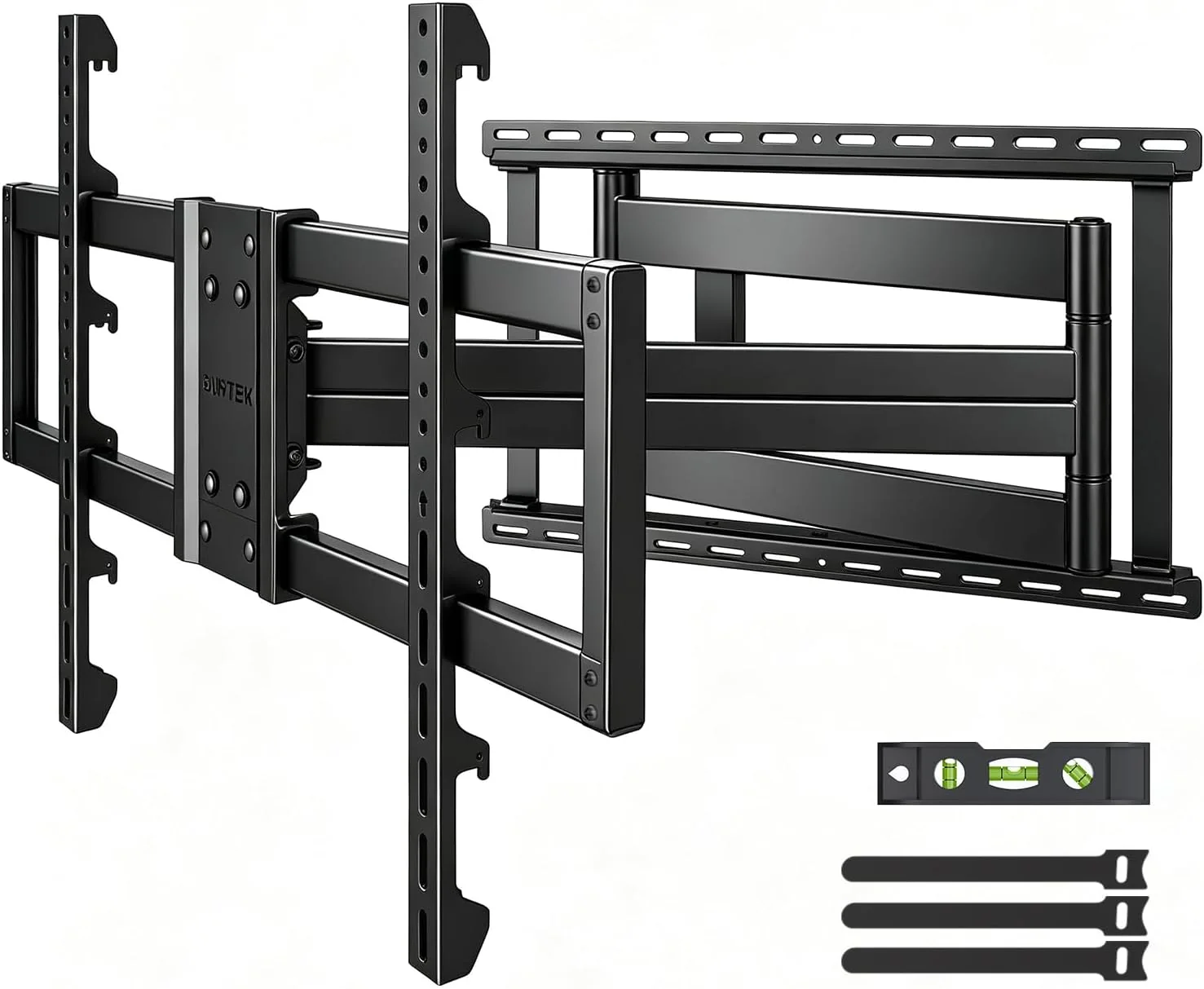
Position a larger television beyond a deep recess with an extended arm and adjustable viewing angles. Three mounting height positions offer additional placement choices, with screen weight and wall compatibility guiding installation.
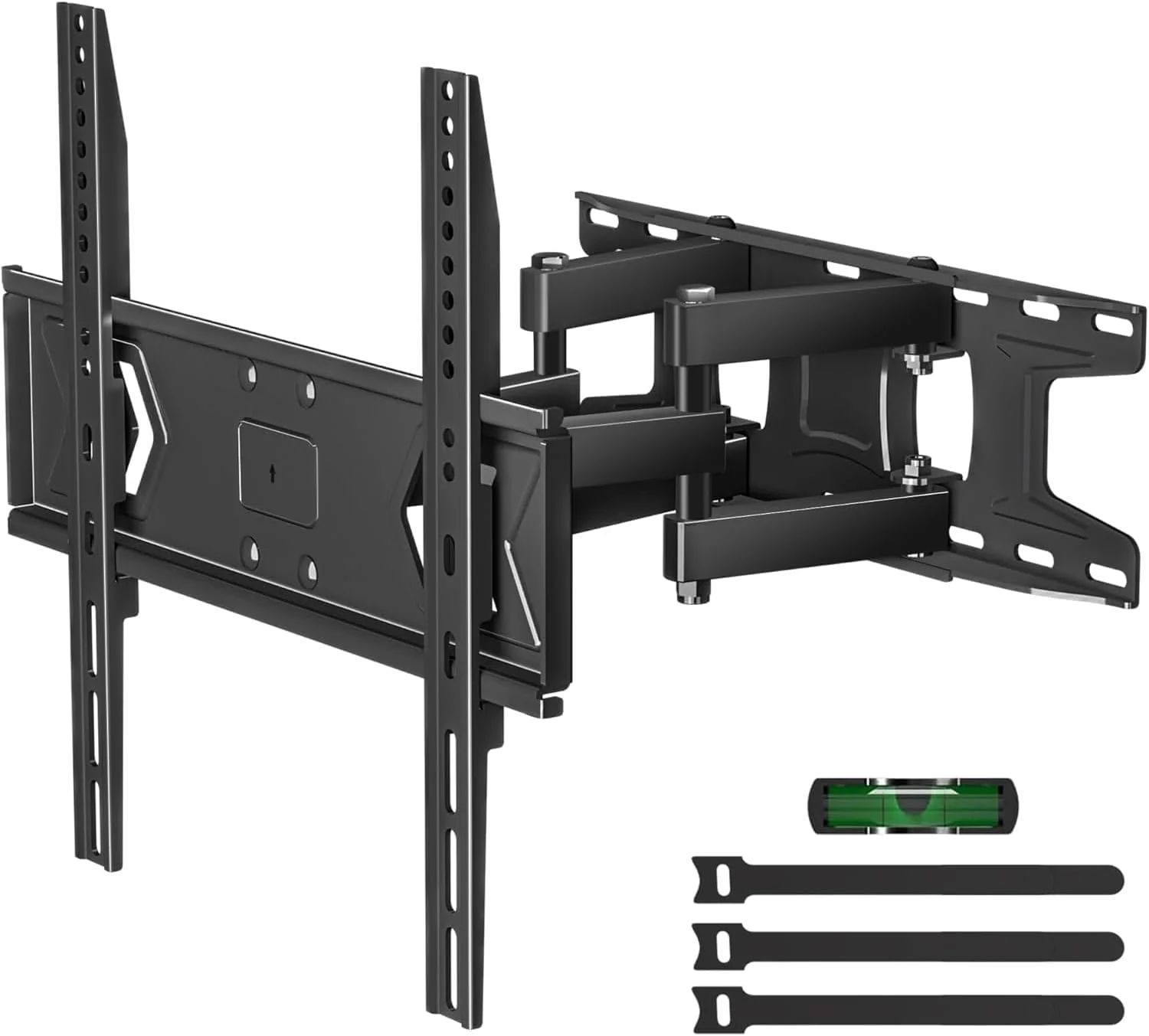
Make a medium television easier to angle with a dual articulating wall bracket. Extension and tilt adjustments help accommodate everyday viewing, while the included installation template assists with planning the mounting position.
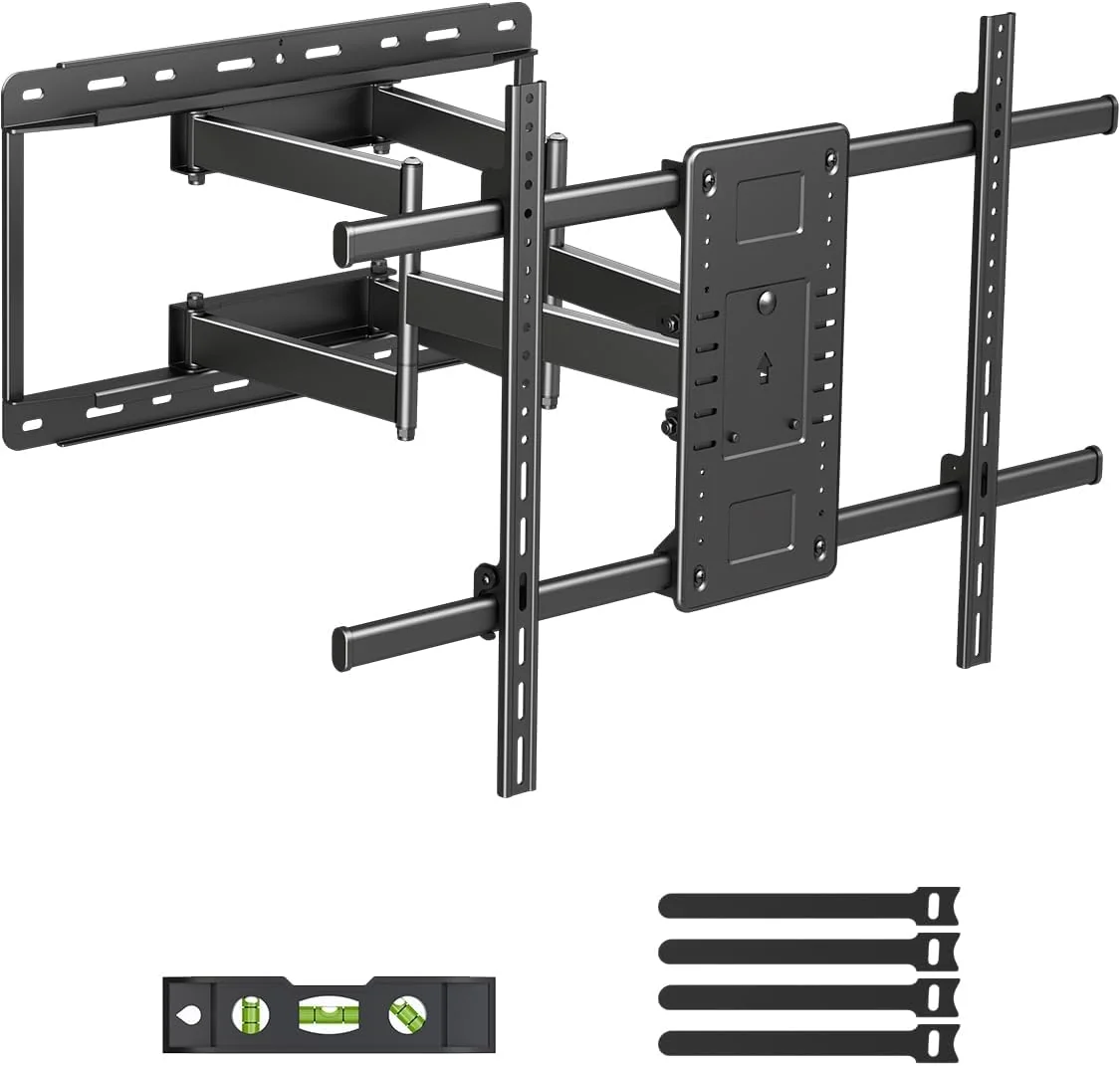
Plan a large screen setup around a wall bracket intended for substantial televisions. Check the exact model specifications against screen weight, mounting pattern and wall structure before choosing the final position at home.
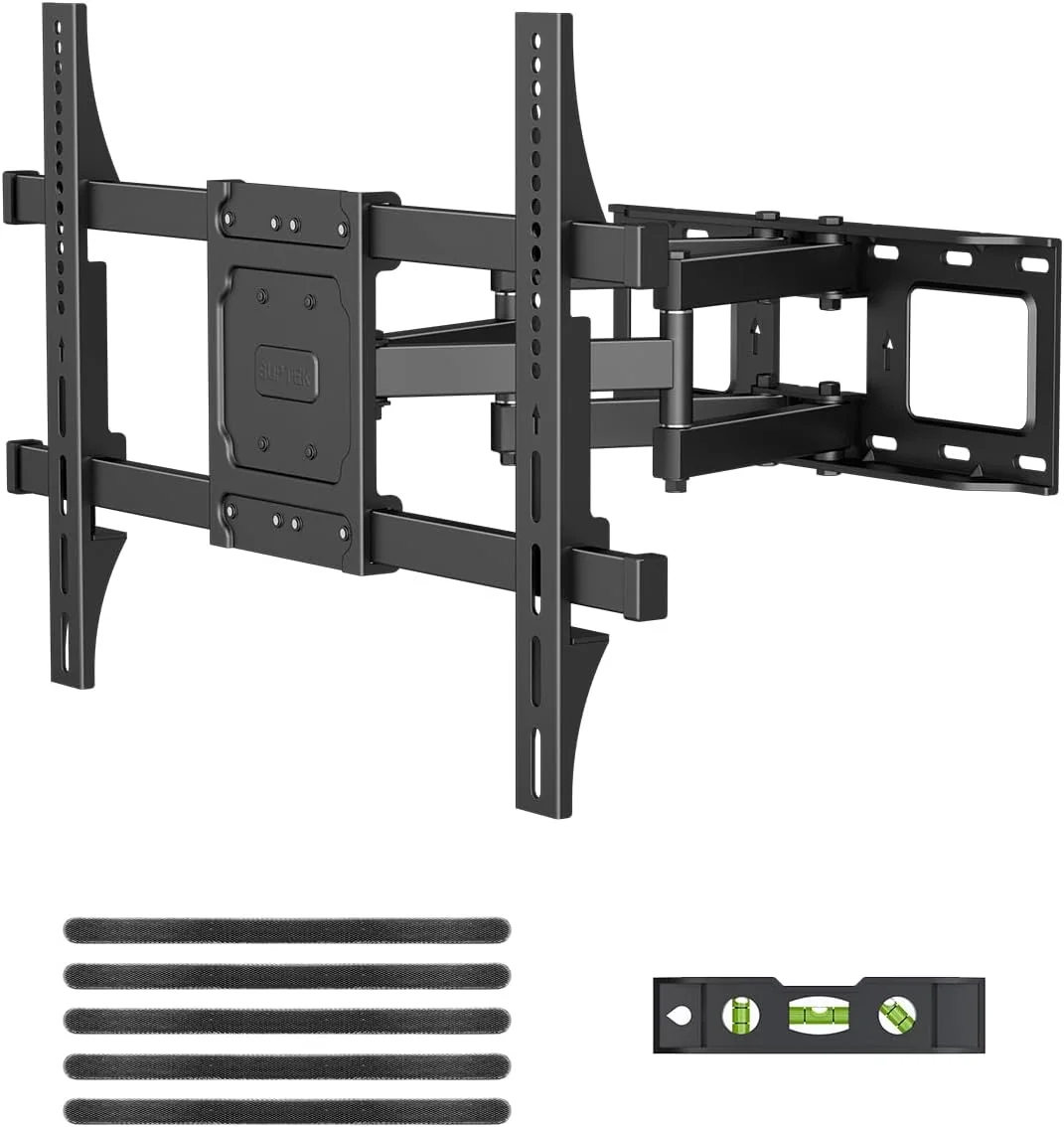
Create a flexible viewing arrangement with an articulated bracket for a larger television. Moving the screen outward and changing its angle helps the seating area work around the room rather than its furniture.
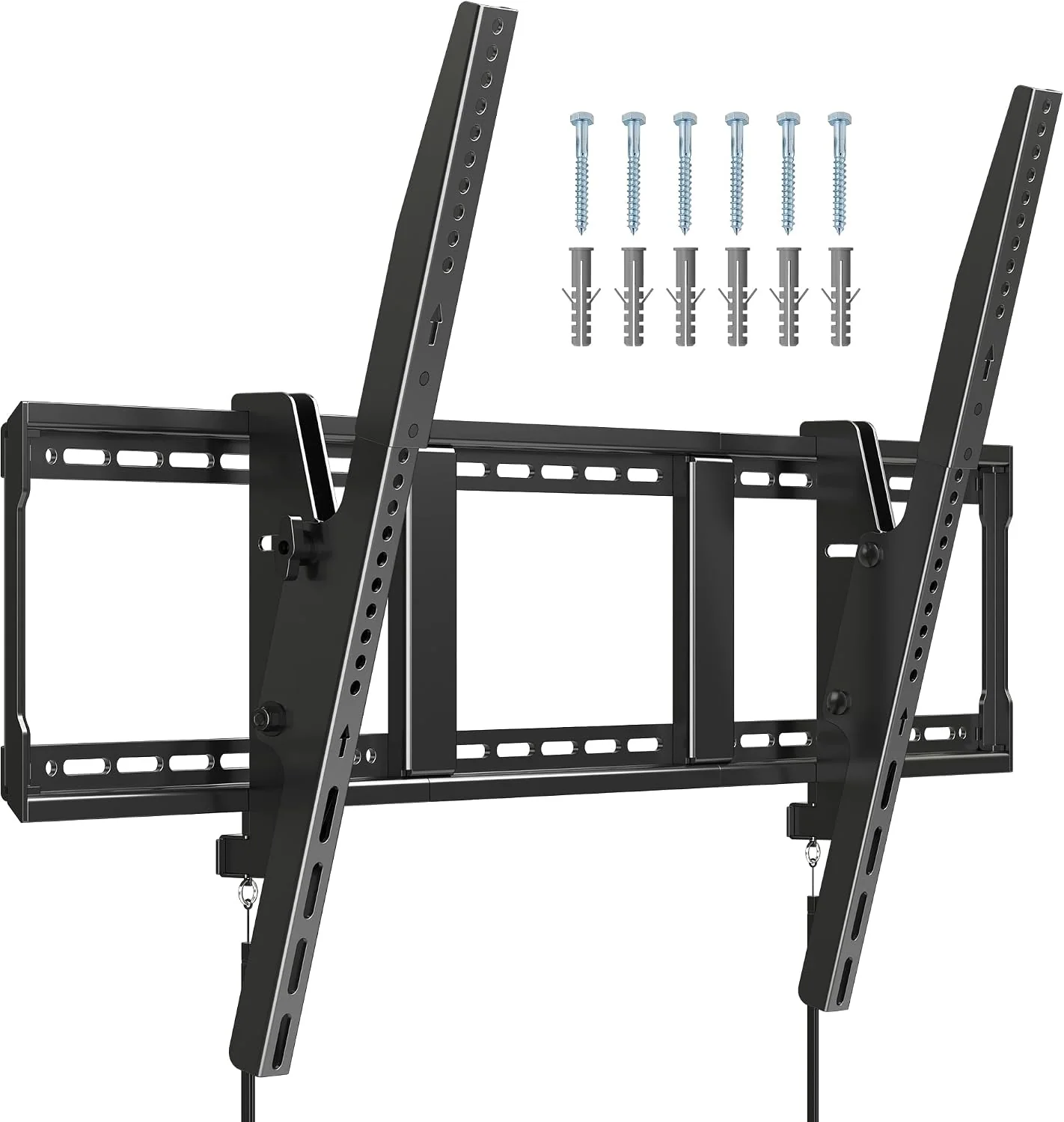
Adjust the vertical viewing angle of a large television with a tilting wall bracket. Matching the mounting pattern and screen weight to the exact bracket keeps selection focused on the installation that matters.
A well positioned screen can change the feel of a desk. The Suptek monitor mount range includes single arms, tall poles and multi screen arrangements, helping keep the working surface open while adapting display height and viewing direction to the task.
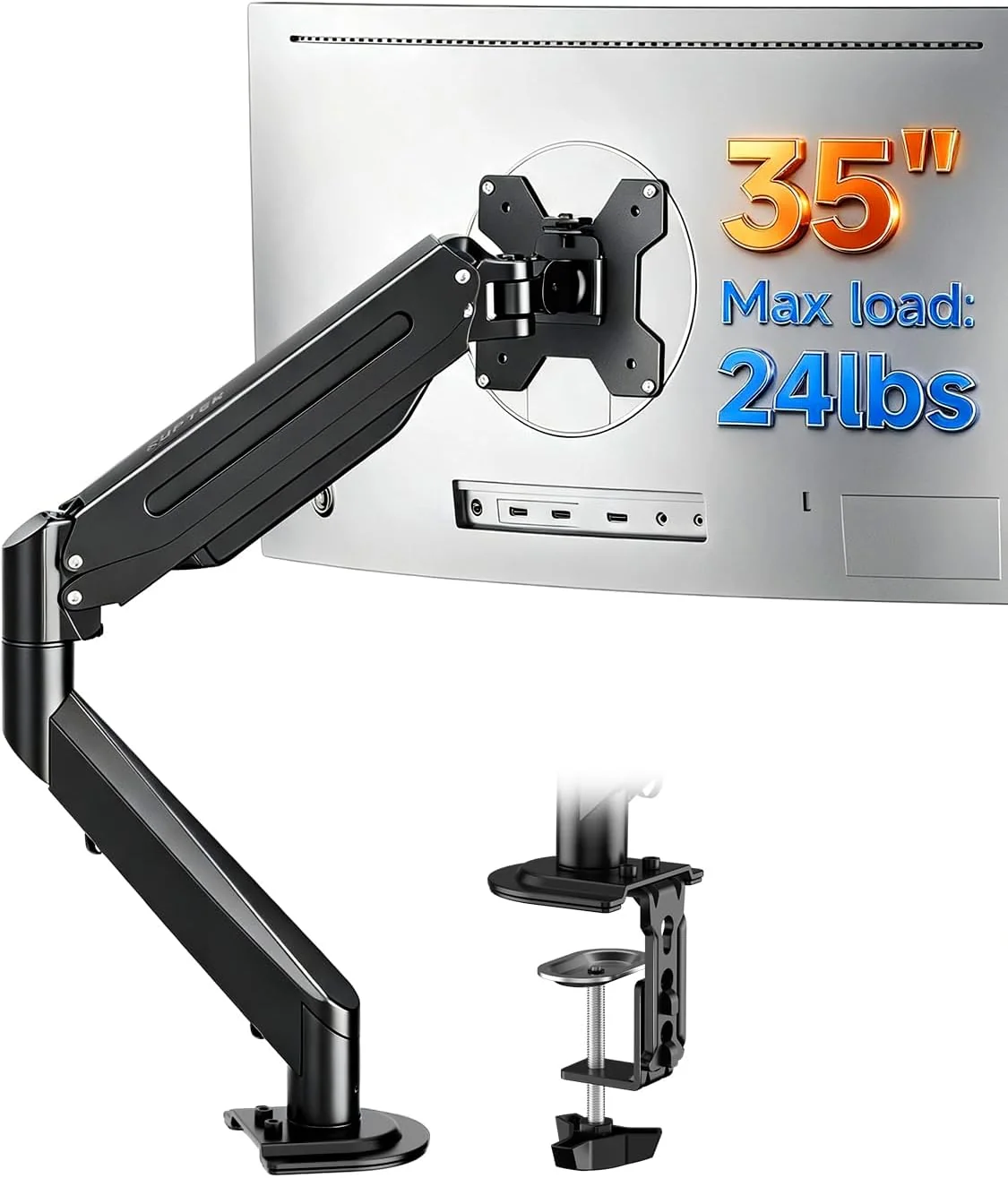
Lift a single display above the desktop and adjust its position with a gas spring arm. Clamp and grommet mounting options accommodate different desks, while cable routing helps organize the workspace around it.
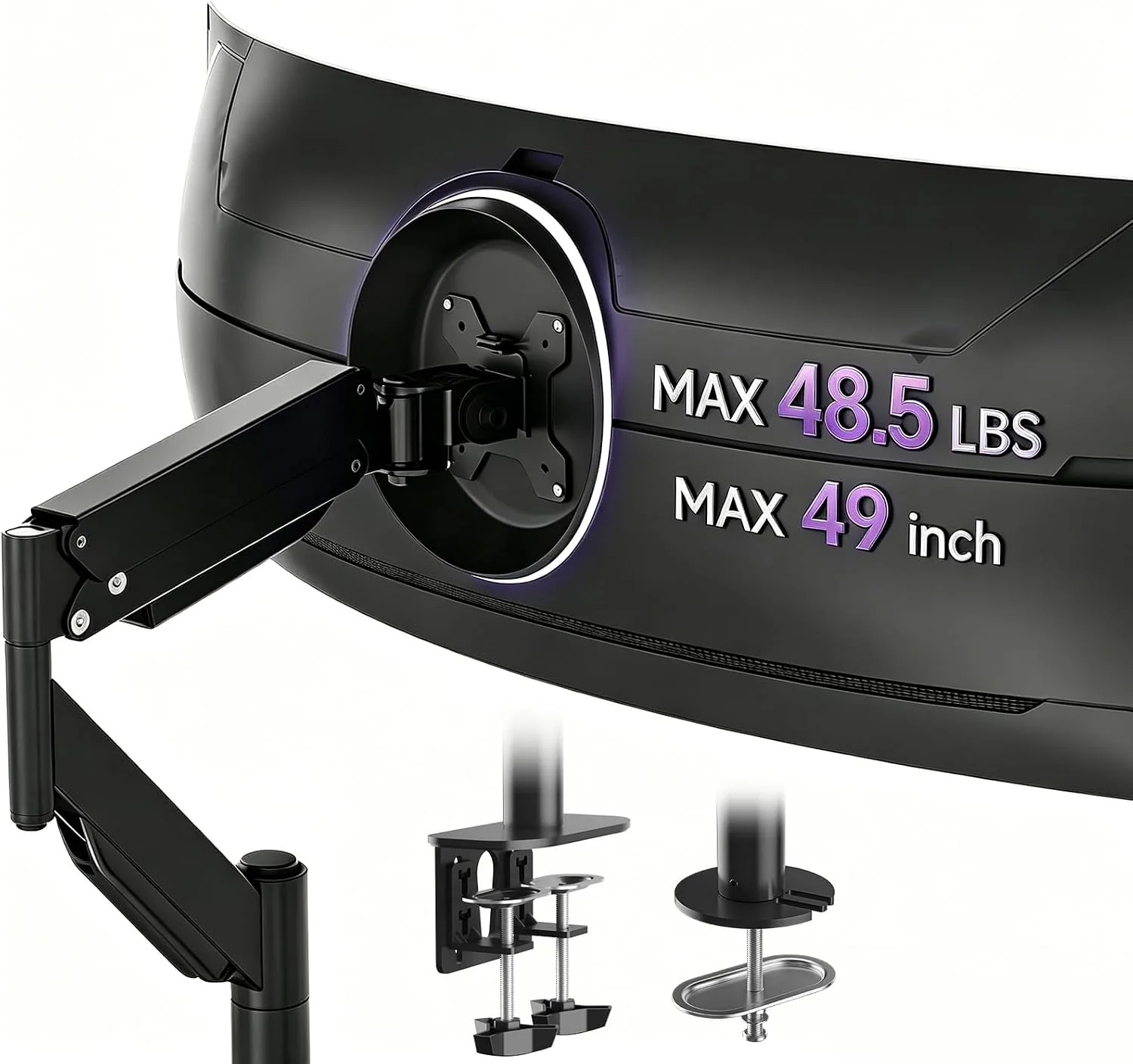
Give a wide display its own adjustable support with an arm designed for larger screens. Tilt, swivel and rotation offer positioning flexibility, while the desk attachment keeps the monitor above the working surface.
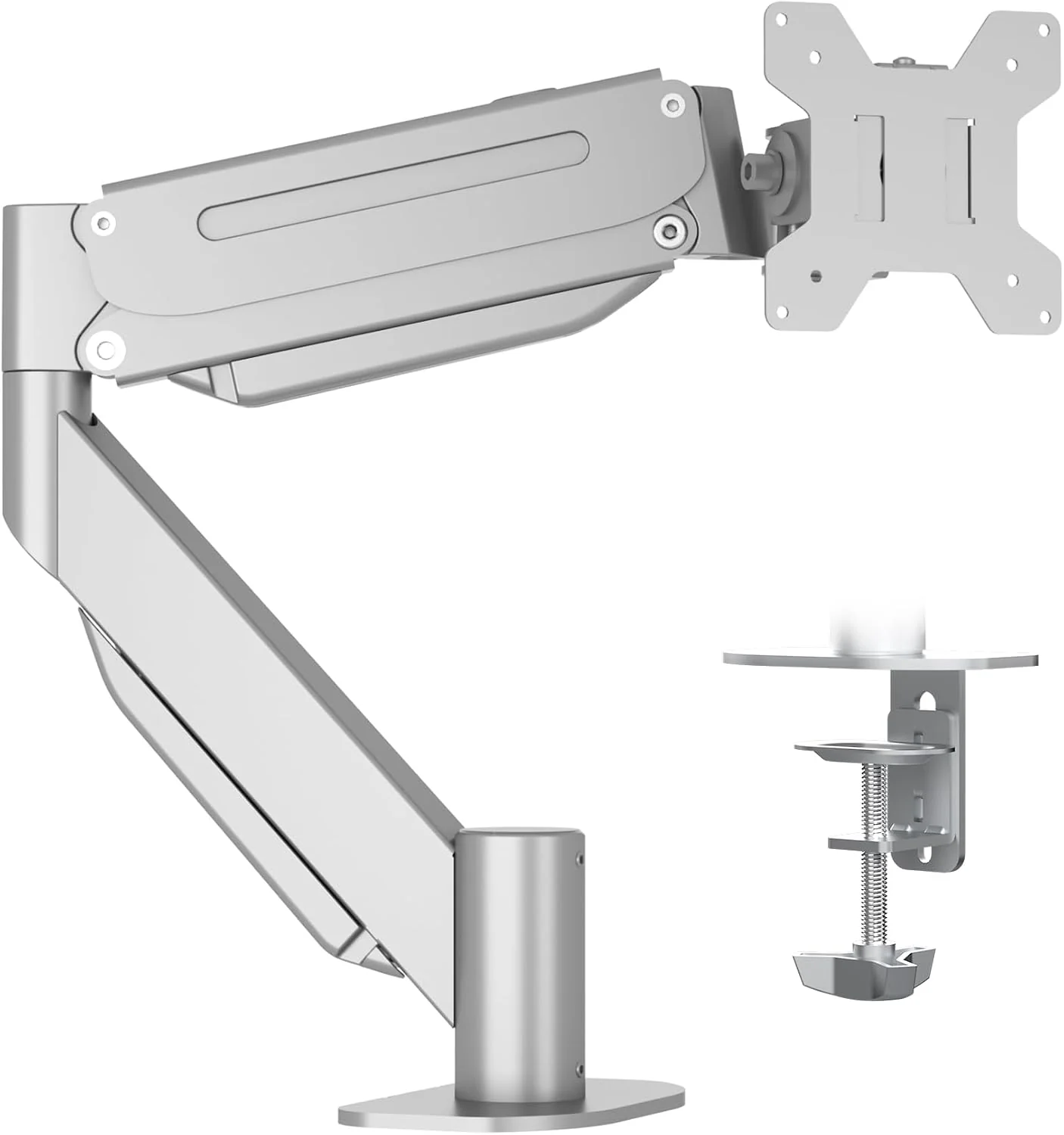
Arrange a curved or ultrawide display with a silver gas spring arm that changes height and viewing angle. Clamp or grommet installation provides a choice of attachment methods for a compatible desk surface.
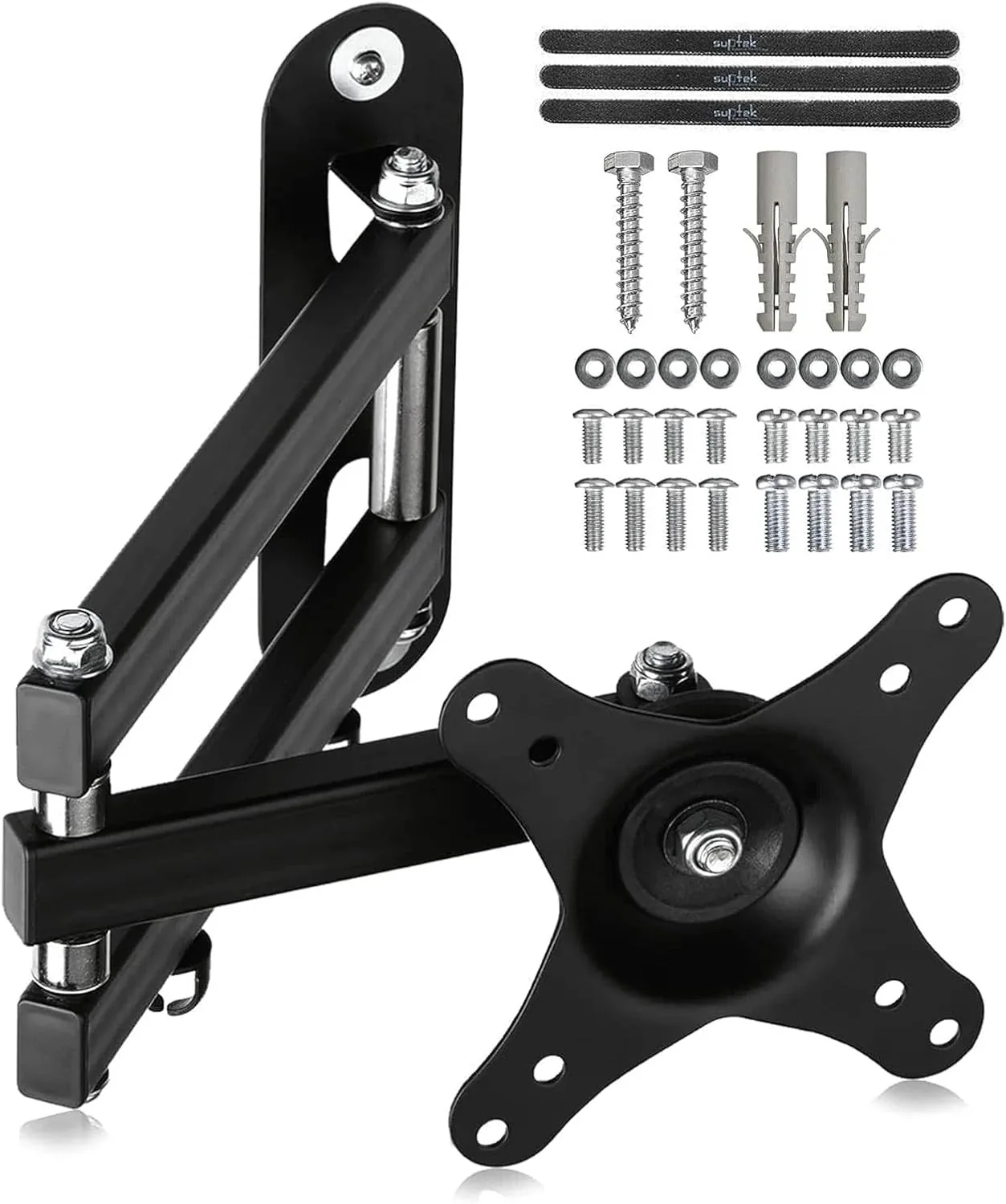
Move a compact display away from the desktop with a wall mounted arm. Articulating joints change the viewing direction, providing a practical option where a desk edge cannot accommodate a conventional clamp mount.
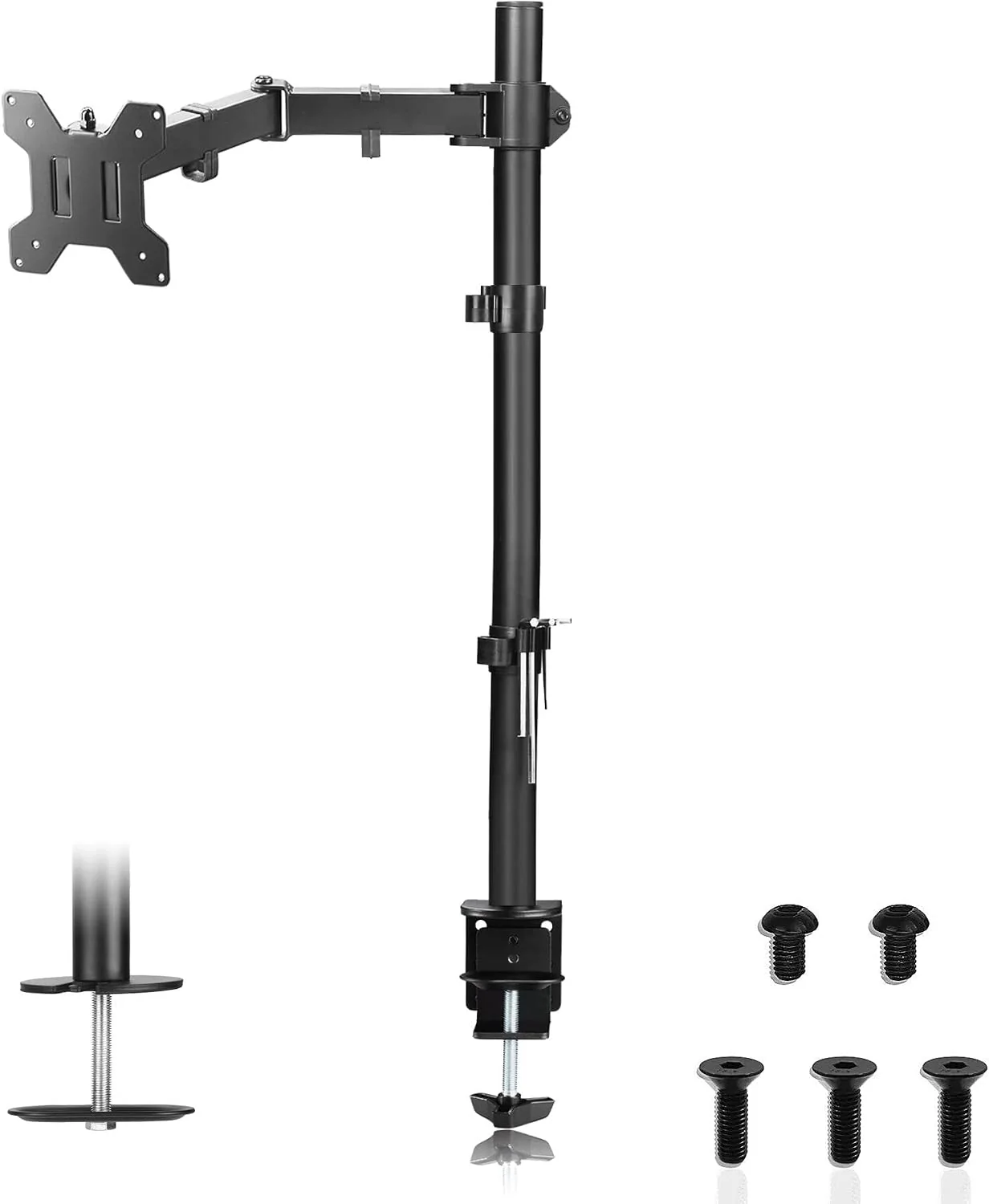
Raise one display on an extra tall support pole to create more vertical positioning options. Adjustable joints help set the viewing angle, while the desk attachment leaves space beneath the monitor for everyday essentials.
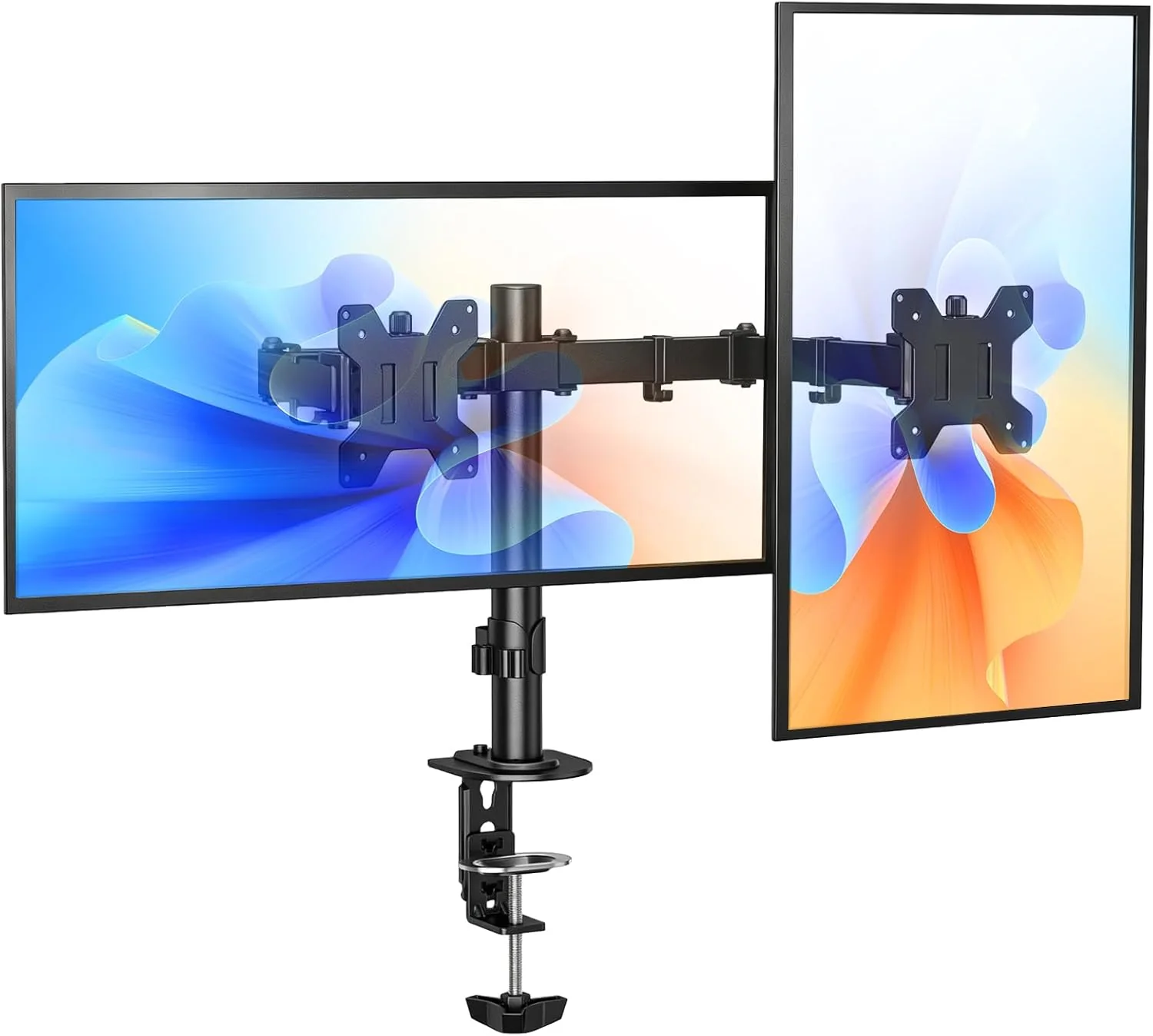
Arrange two displays beside one another on a shared desk mount. Independently adjustable arms help align the screens for different tasks, leaving more of the desktop available for a keyboard, notes and accessories.
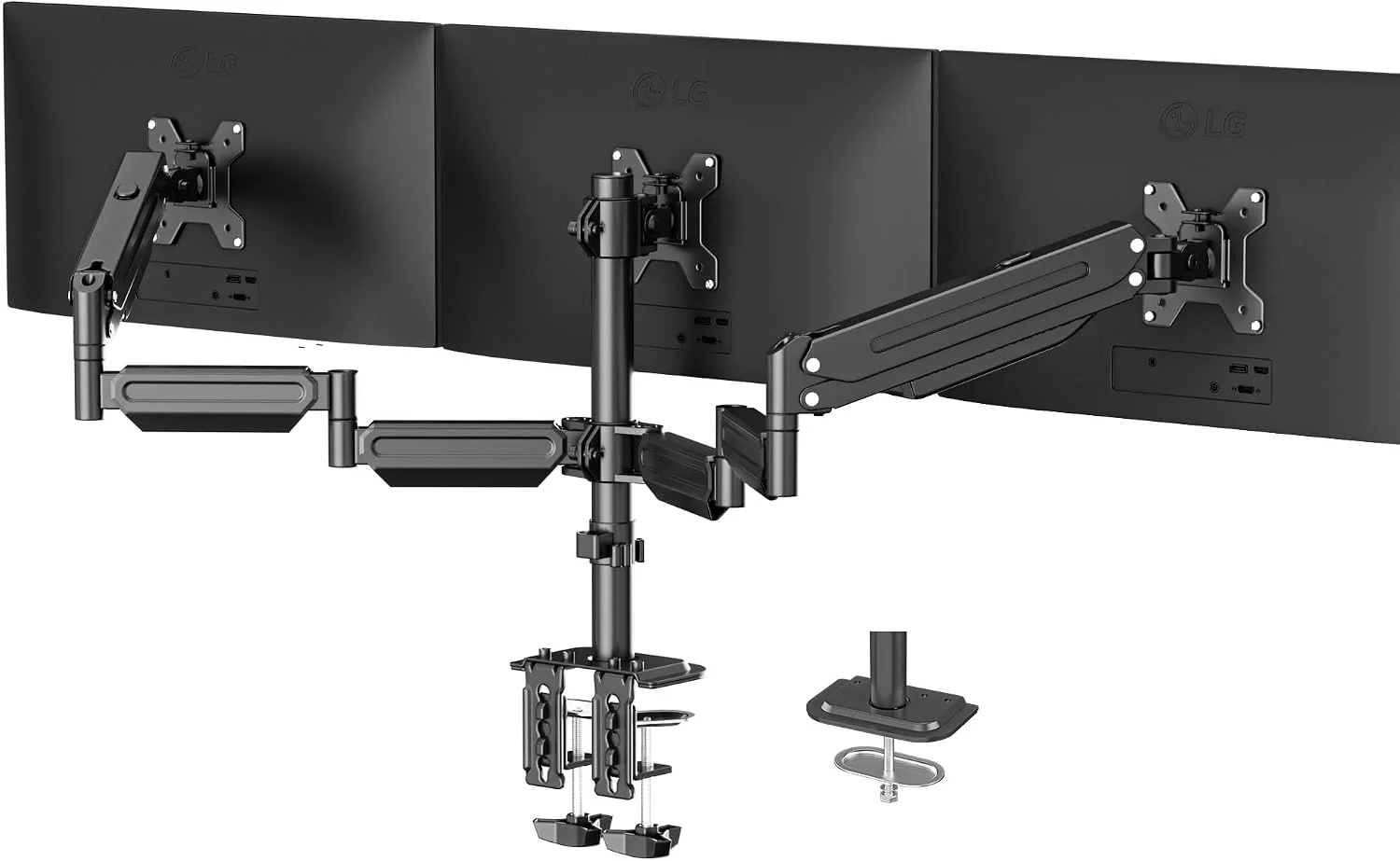
Bring three compatible displays together on a single desk mount with gas spring adjustment. Individual screen positioning supports a wider workspace, with clamp and grommet options to suit the chosen desktop and arrangement.
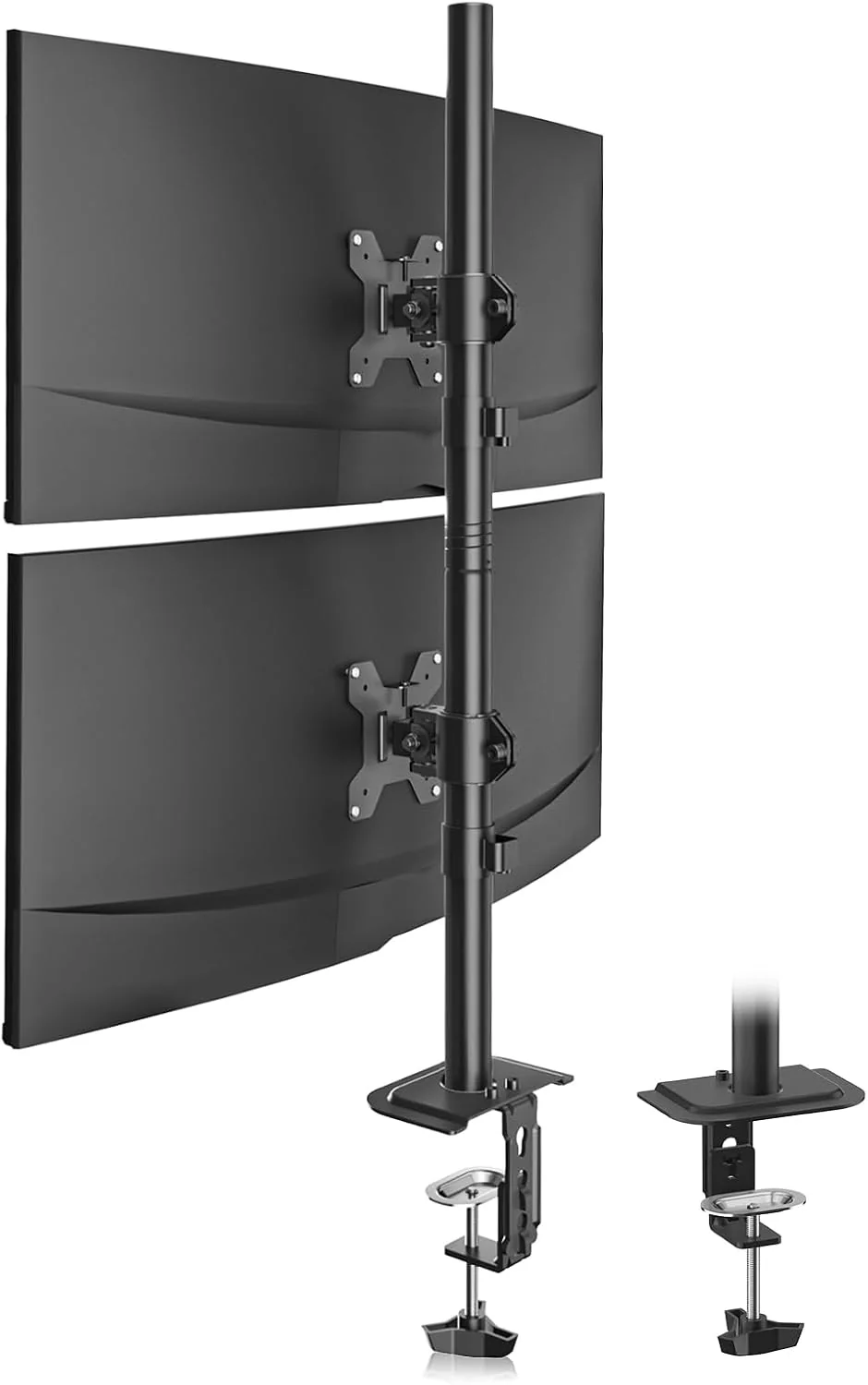
Stack two displays vertically on a tall pole when horizontal desk space is limited. Adjustable screen attachments help organize the viewing arrangement, creating room for reference material above the main display during daily tasks.
Suptek product and installation enquiries are best directed through the seller shown on the order or the contact route on suptekmount.com. The model number, order reference and photographs of the issue help identify the right parts or guidance. The contact button below reaches this affiliate website’s operator; it does not establish a manufacturer support service.
Suptek manuals are model specific. The booklet supplied with the mount is the starting point; online documents should match the model printed on its packaging. The MD6821 manual is also available through the product documents on Amazon. Before assembly, follow this short preparation sequence:
A Suptek ceiling mount is a separate mounting option from the wall and desk products shown here. The MC4602, for example, is listed for compatible 26–65 inch screens, with a maximum 45 kg load and VESA up to 400 × 400 mm. Selection also depends on ceiling construction, required drop and viewing direction. The installation manual and the ceiling’s structural suitability must both be checked before fitting.
Online Suptek instructions are available for some models through retailer product documents and model specific manuals. A matching model number matters more than a similar photograph. Gas spring arms and pole mounts have different adjustment procedures; follow the document for the exact product.
From a favourite seat to a focused desk, screen placement shapes the way a room works. Suptek mounting options support different viewing arrangements without treating every space as the same.
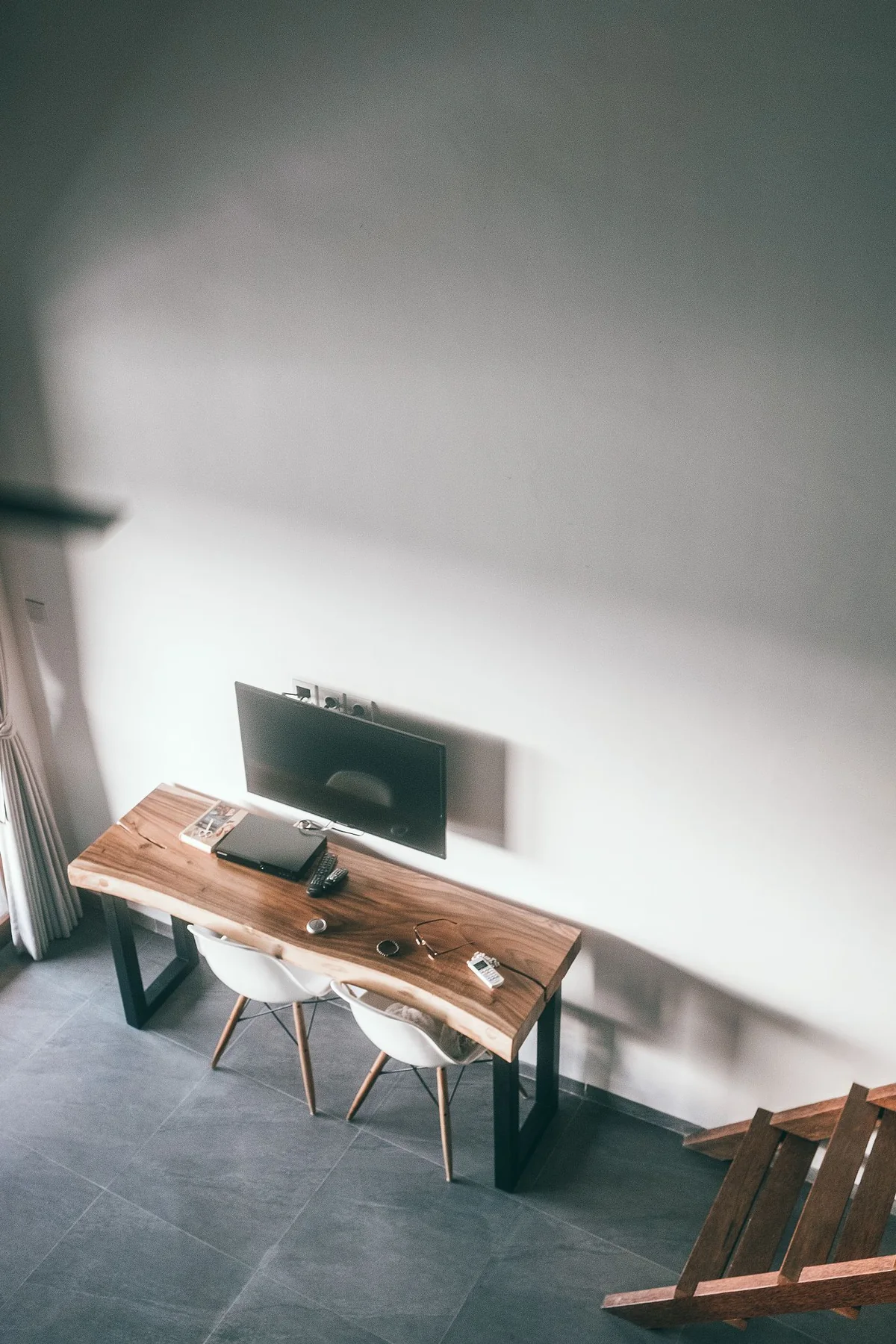
A wall mounted television keeps the media surface open. Suptek articulated brackets let compatible screens turn towards the seating area, helping a living room accommodate both daily routines and a favourite film.
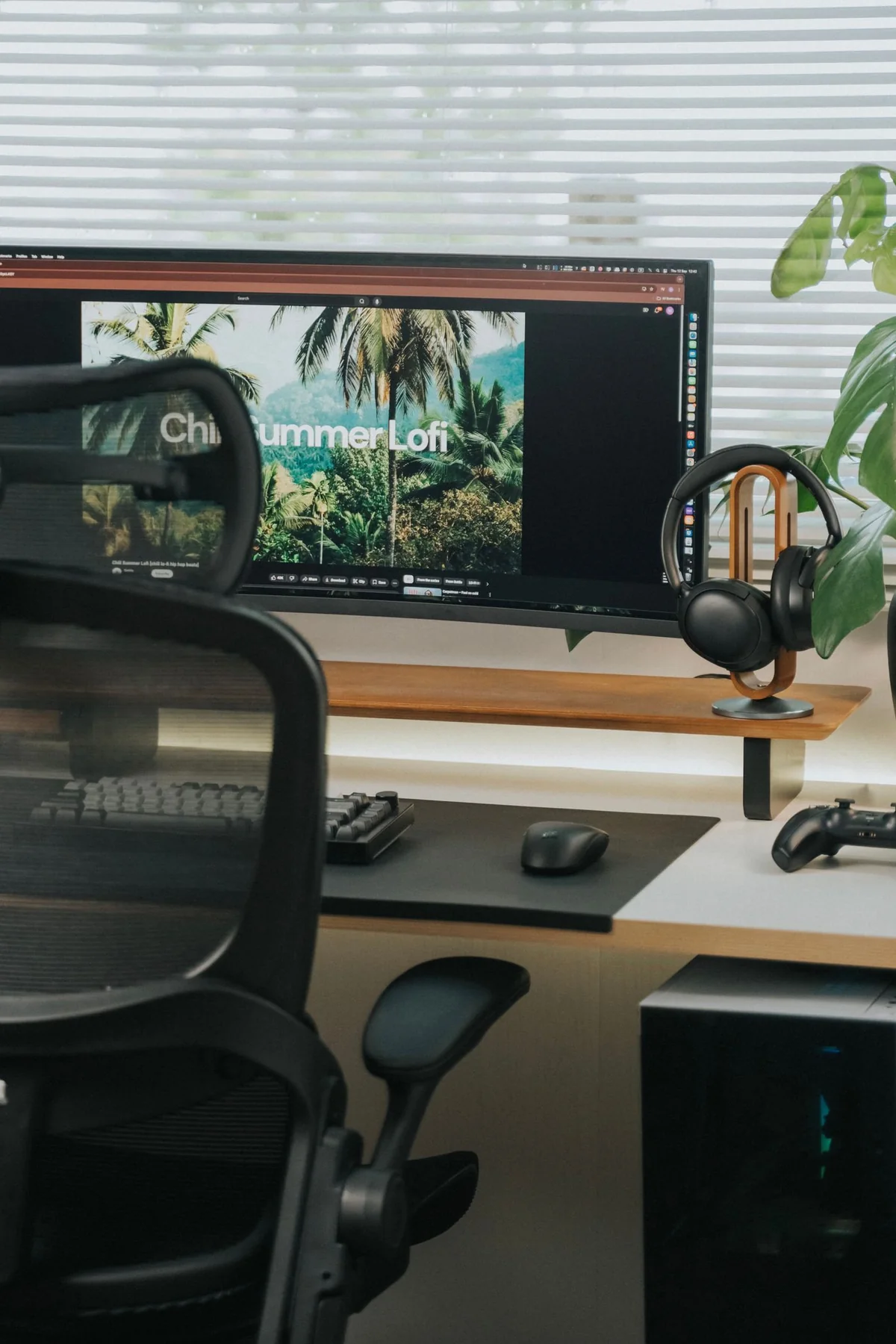
A clear desk starts with a considered display position. A Suptek single monitor arm lifts the screen above the working surface and offers adjustments for a comfortable arrangement around the keyboard and chair.
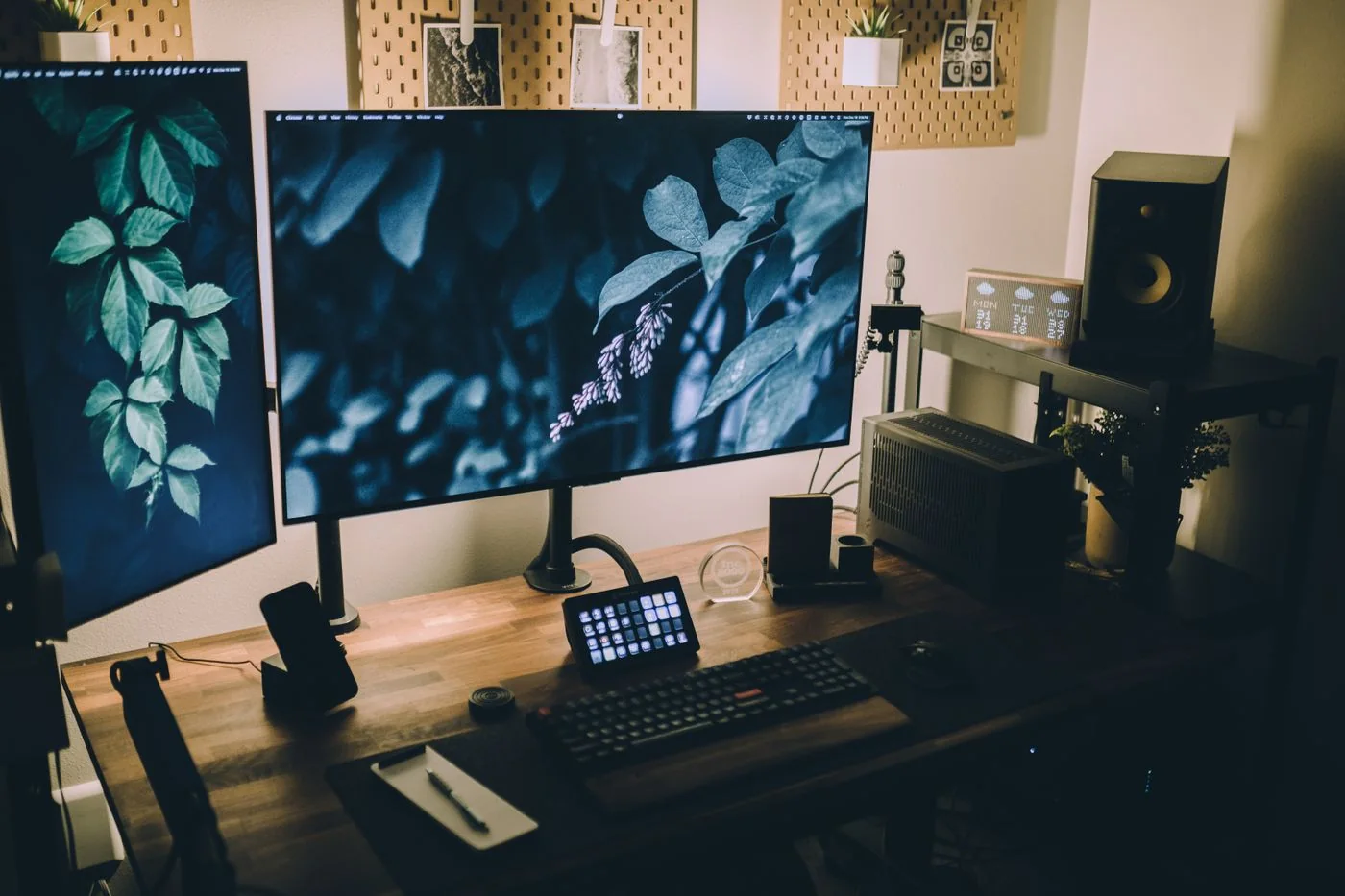
Reference material and active work can sit side by side. Suptek dual and triple monitor mounts bring compatible displays together, while tall pole options offer a vertical arrangement where desk width is limited.
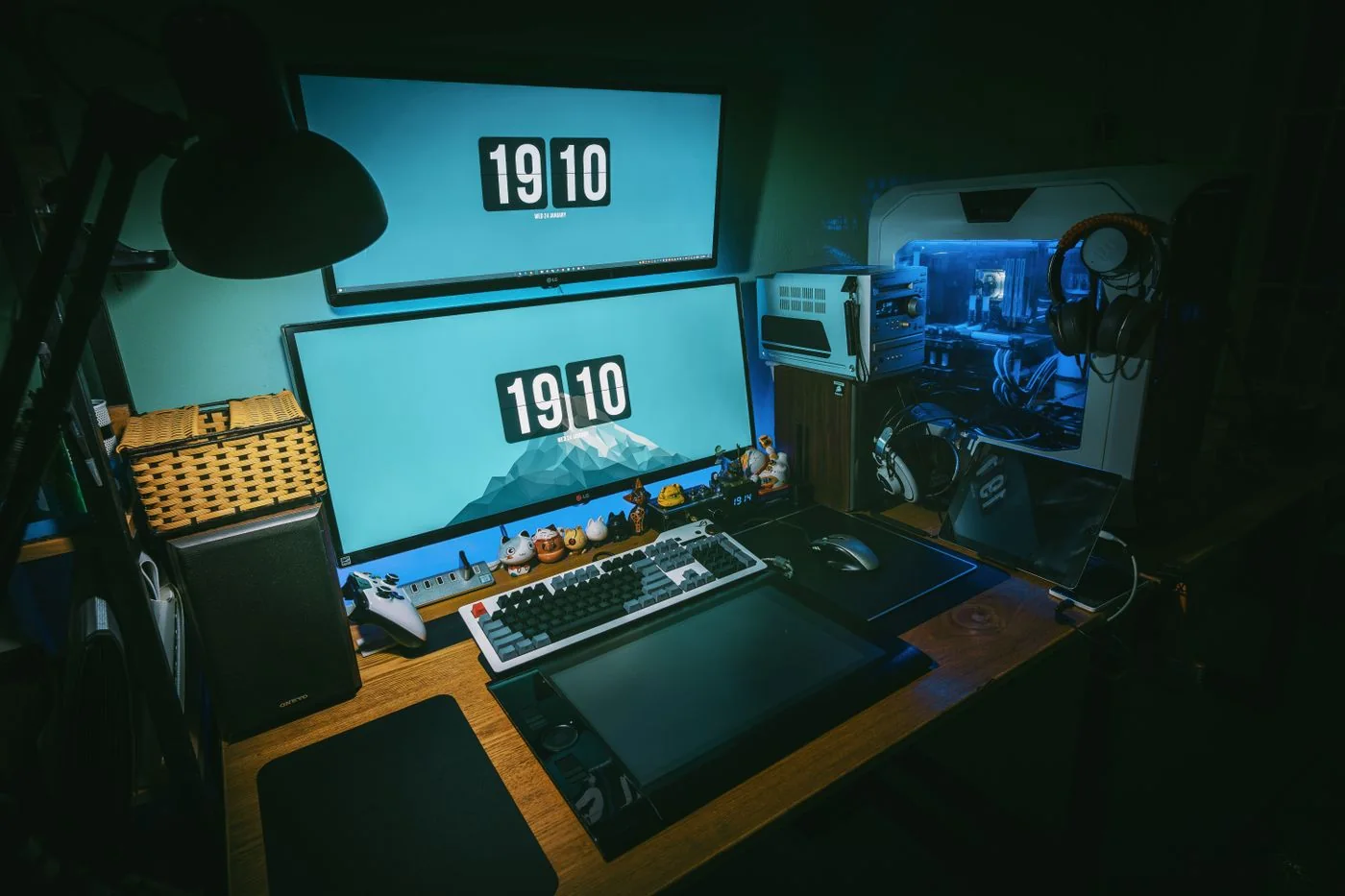
Screen position matters when the desk changes from work to play. Suptek monitor arms help arrange compatible displays around the available space, with ultrawide options offering dedicated support for a broader screen.
These Suptek feedback summaries describe positives and drawbacks reported in customer reviews on Amazon.ca, including international reviews and variants grouped on each listing. They are not testimonials collected by this website. Each card links to its source listing.
Buyers often praise easy installation and a firm hold. Several criticize the supplied wrench or hardware; some also describe stiff movement. Results depend on the screen and installation.
Reviewers frequently praise value and a solid feel. Assembly feedback varies, and one reports unwanted forward tilt with a larger television. These are individual experiences, not compatibility guarantees.
Buyers value straightforward assembly, adjustable positioning and more desk space. Others report awkward adjustments, limited low positioning or faulty gas springs, so feedback on movement and reliability is mixed.
Reviews highlight useful height and sturdy clamping. Drawbacks include vague instructions, loose connections and height changes that require setup adjustments. Buyers describe both secure installations and quality-control problems.
Reviewers praise stable three-screen setups and adjustable arms. Initial spring-tension adjustment can take patience; one reviewer recommends help attaching monitors. Feedback includes different variants and countries.
Buyers appreciate stable stacked screens and recovered desk space. Some criticize instructions and component labeling. One reviewer reports a failed pole-to-base weld during tightening of the grommet attachment.
